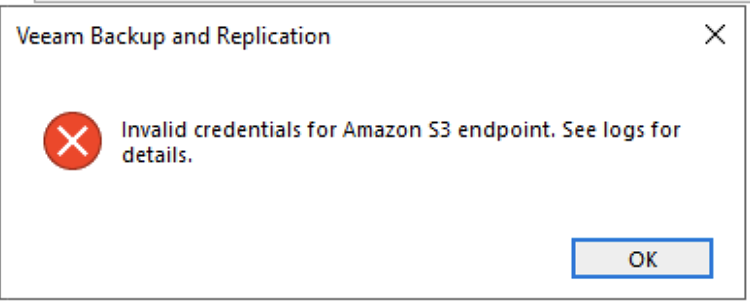
I hit this the error whilst adding a S3 Storage repository on Veeam Backup (version 10) – ” Invalid credentials for Amaazon S3 Endpoint.See logs for details” . The credentials we correct and verified using AWS CLI .
The cause is *not* a credentials issue but a permissions requirement by Veeam.
I found the IAM policy to below on AWS fixes the error. I think this can be improved and works for now. The error message could do with a bit of improvement though.
{
    "Version": "2012-10-17",
    "Statement": [
        {
            "Effect": "Allow",
            "Action": "s3:ListAllMyBuckets",
            "Resource": "arn:aws:s3:::*"
        },
        {
            "Effect": "Allow",
            "Action": "s3:*",
            "Resource": [
                "arn:aws:s3:::YourBucketName",
                "arn:aws:s3:::YourBucketName/*"
            ]
        }
    ]
}
 anjanesh babu
getting multiple errors by entering this code