So this is how you get a Windows 10 Home laptop with Realtek PCIe card to be VLAN aware. The method was discovered during my search for testing the Sophos Remote Ethernet Devices (RED) device (a post for another day) from home over a broadband link.
This method has been tested to work with Dell Inspiron 7570 with Realtek PCIe GBE Family Controller .
Visit the link below (last accessed 2.11.18)
Locate and download “Diagnostic Program for Vista/Win7/Win8/Win10”
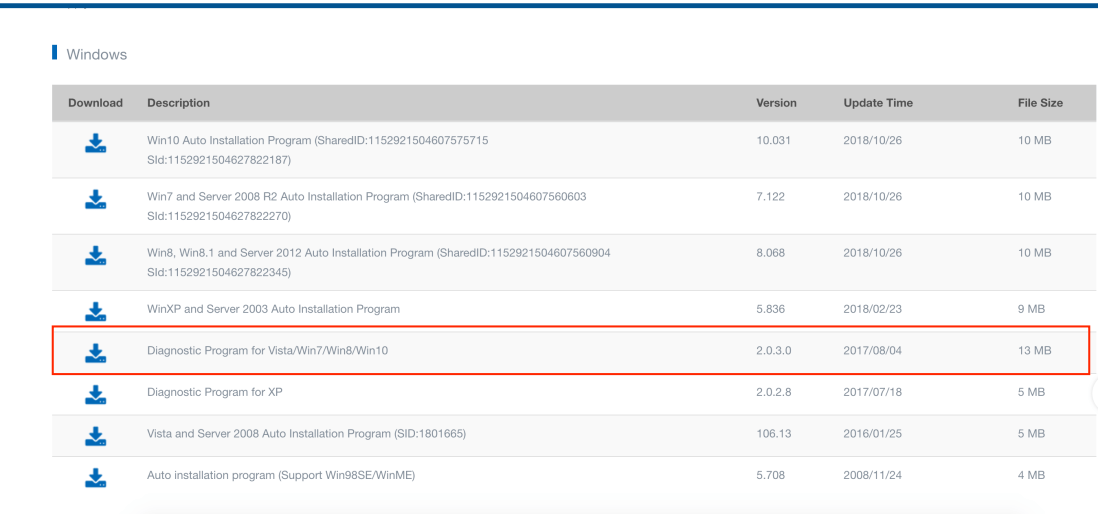
You may use a disposable public email service like Mailinator to request the download link – but the hoops don’t stop there . Once you get past the annoying captcha you can then download and install the diagnostic tool.
Using Version 2.0.3.0 | Last updated :2018-08-02 04:50:50
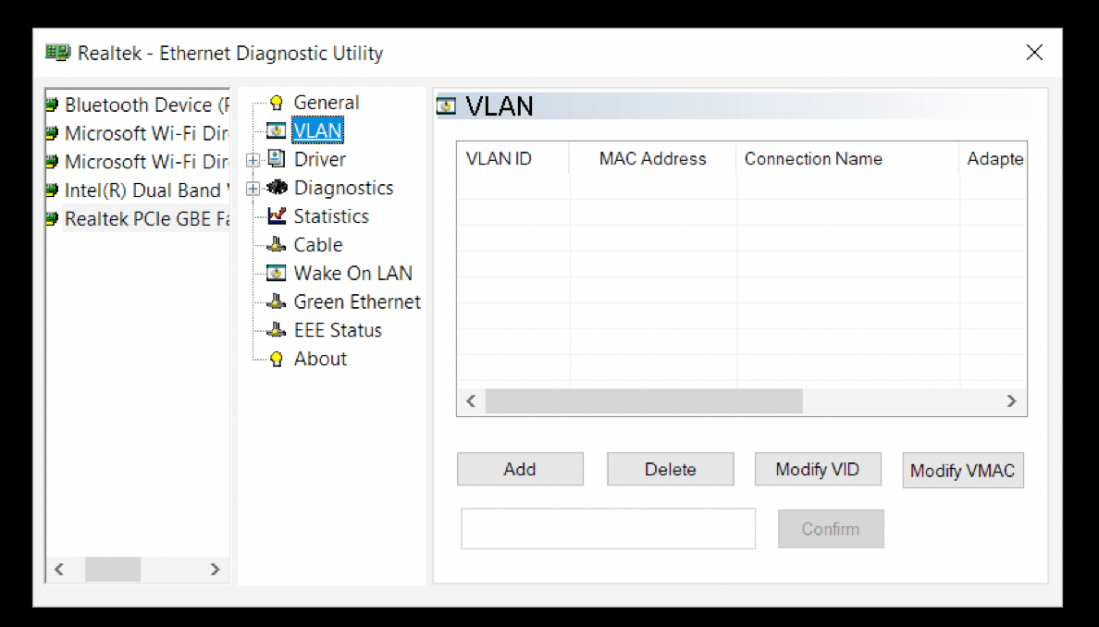
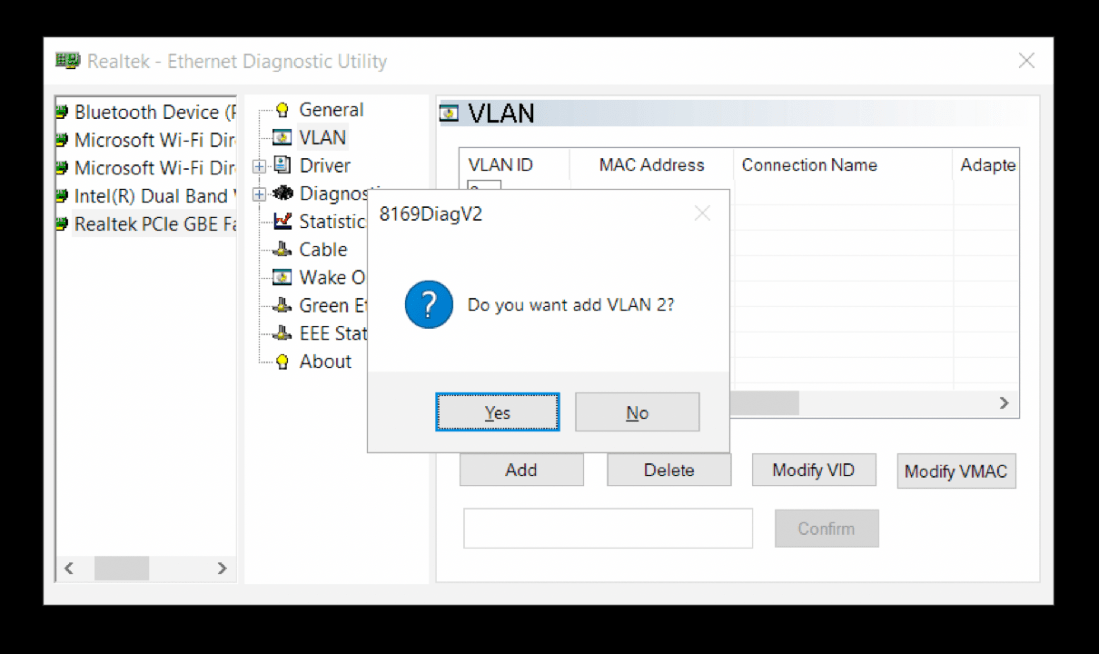
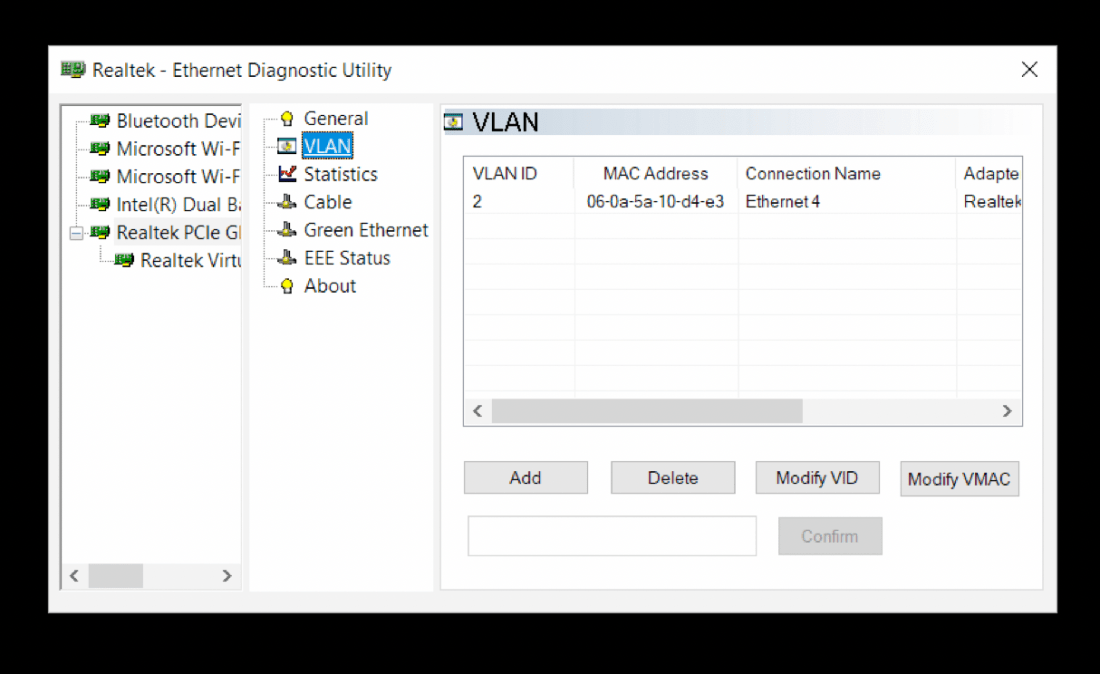

Thanks to the starting post from Laurie Tech

 anjanesh babu